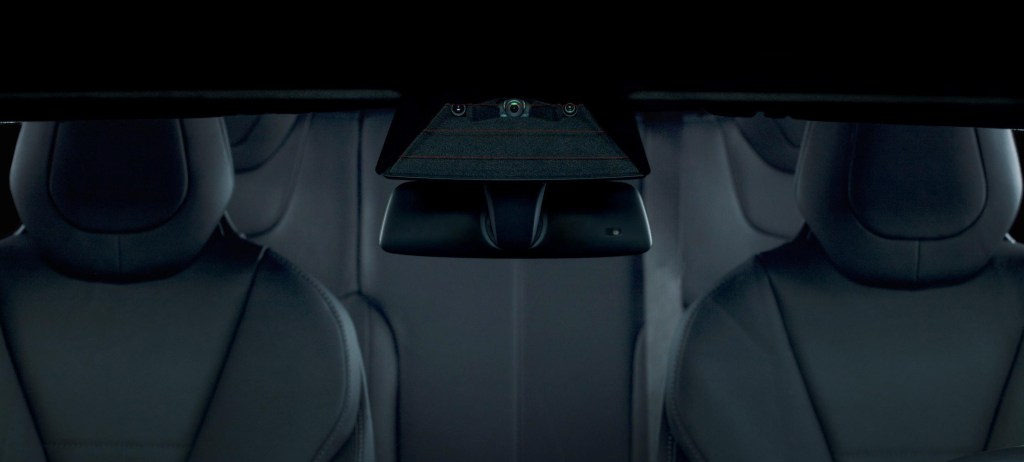
Tesla owners may soon have a way to see (and record) damage that happens to their vehicles when they’re unattended.
Tesla will roll out “Tesla Sentry Mode” for all cars with Enhanced Autopilot, CEO Elon Musk said in a tweet Tuesday. Musk didn’t provide any more information about when this feature might be available and how it might work.
TechCrunch has reached out to Tesla for more details.
The name suggests that this feature would stand guard, so to speak, by either keeping the dash cam on while parked or having it automatically turn on if the car is hit or being tampered with. It could operate similar to aftermarket product Owl security camera; although, again, details are scant.
Tesla Sentry Mode coming soon for all cars with Enhanced Autopilot https://t.co/x2buQWiABX
— Elon Musk (@elonmusk) January 22, 2019
Disrupt 2026: The tech ecosystem, all in one room
Your next round. Your next hire. Your next breakout opportunity. Find it at TechCrunch Disrupt 2026, where 10,000+ founders, investors, and tech leaders gather for three days of 250+ tactical sessions, powerful introductions, and market-defining innovation. Register now to save up to $400.
Save up to $300 or 30% to TechCrunch Founder Summit
1,000+ founders and investors come together at TechCrunch Founder Summit 2026 for a full day focused on growth, execution, and real-world scaling. Learn from founders and investors who have shaped the industry. Connect with peers navigating similar growth stages. Walk away with tactics you can apply immediately
Offer ends March 13.
Almost ready to roll out. Regulators just approved.
— Elon Musk (@elonmusk) January 22, 2019
In October, Tesla released version 9.0 of its software, which featured a number of updates, including a new UI on the center display and the ability to use the built-in forward-facing cameras as a dash cam. The dash cam feature is available only in Tesla vehicles built after August 2017.
The dash cam feature currently lets owners record and store onto a USB flash drive video footage captured by their car’s forward-facing camera. Owners first must configure a USB flash drive in Windows or MS-DOS file architecture and add a base-level folder in the flash drive called TeslaCam. The configured USB flash drive can then be inserted into either one of the USB ports in the front of the vehicle. When properly configured, the dash cam icon pops up on the status bar with a red dot indicating that it is recording.
Owners can tap the icon to save a 10-minute video clip or press and hold to pause recording. Recordings that aren’t downloaded are automatically deleted.