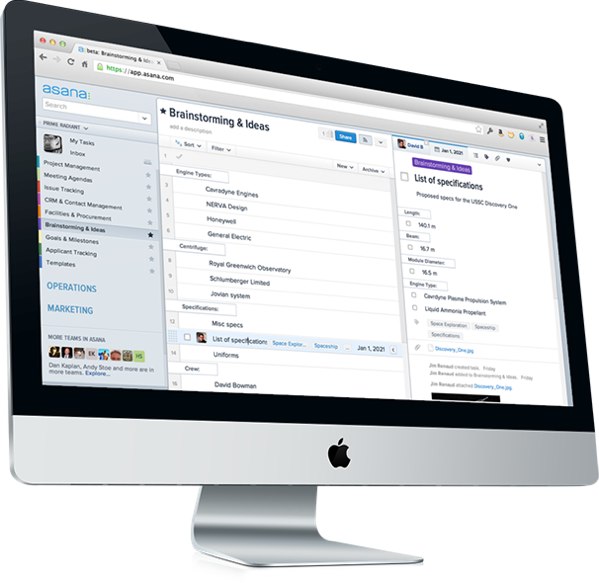
Asana, the high-profile productivity startup that’s trying to redesign the workplace around tasks (instead of email), is tackling the scale of its productivity app with a new announcement today.
Last year, Asana announced premium plans, which allowed larger teams larger than 30 members to use the cloud-based app. Co-founder Justin Rosenstein says that there has been rapid adoption of Asana in larger teams that have grown to hundreds of members. These teams have generated more than 55 million tasks and 85 million messages.
Asana has been noticing that businesses want to expand Asana to several parts of their companies. Rosenstein says that the startup identified a big problem for enterprises—as companies get bigger, it’s a challenge to expand productivity across all products and missions. Today, the company is announcing organizations, which enables companies to adopt Asana at an enterprise scale: from hundreds to thousands of employees.
The company is debuting a number of new features that would help large organizations coordinate and achieve their goals. Specifically, Asana says that larger organizations need better support for managers, multiple teams and IT departments, and the app now allows managers and team members alike who belong to multiple teams to access a single Inbox and single My Tasks list across all their teams. They will also be able to search or create custom reports from saved searches across all these teams. This is especially useful for employees using Asana across multiple teams and projects.
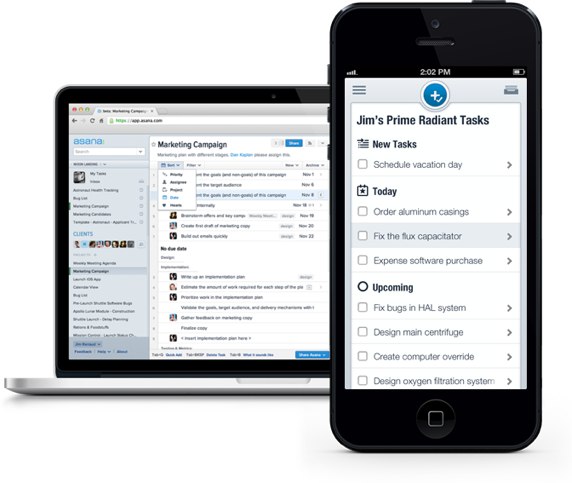
Asana is also making it easier for new members to join groups. Before Organizations, new team members needed to be invited to join an Asana team by someone already on the team. Now, anyone who creates an account with their company’s email address will automatically be added to that company’s Organization.
Asana now categorizes teams as groups of people (working on projects) within an Organization. Anyone can create and name a new Team, and invite existing or new Asana members to it. Teams are listed in the new Team Browser this is a new feature of Organizations. The Asana left pane now lets you see all the Teams in your Organization. Within the Team settings, each team has control over how their team membership is defined and whether the Team is listed or not.
Disrupt 2026: The tech ecosystem, all in one room
Your next round. Your next hire. Your next breakout opportunity. Find it at TechCrunch Disrupt 2026, where 10,000+ founders, investors, and tech leaders gather for three days of 250+ tactical sessions, powerful introductions, and market-defining innovation. Register now to save up to $400.
Save up to $300 or 30% to TechCrunch Founder Summit
1,000+ founders and investors come together at TechCrunch Founder Summit 2026 for a full day focused on growth, execution, and real-world scaling. Learn from founders and investors who have shaped the industry. Connect with peers navigating similar growth stages. Walk away with tactics you can apply immediately
Offer ends March 13.
Lastly, IT teams can create admin accounts to view user activity, set security and access policies, centralize billing, and manage users. Clearly for large enterprises, this added security and control is necessary.
Asana has been consistently adding innovative features to its productivity app. A few weeks ago, Asana added unified search. And this iteration seems to be paying off—Asana, which is less than two years old, now has tens of thousands of users and hundreds of companies paying for the product.