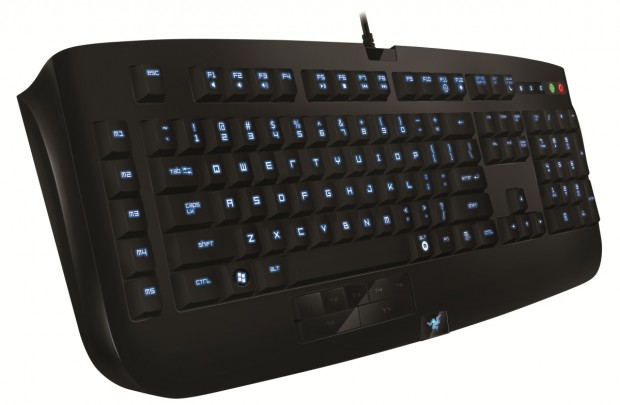
Short version: A good keyboard for macro and shortcut lovers, but lacks ports and originality, making it fall short of a recommendation.
Features:
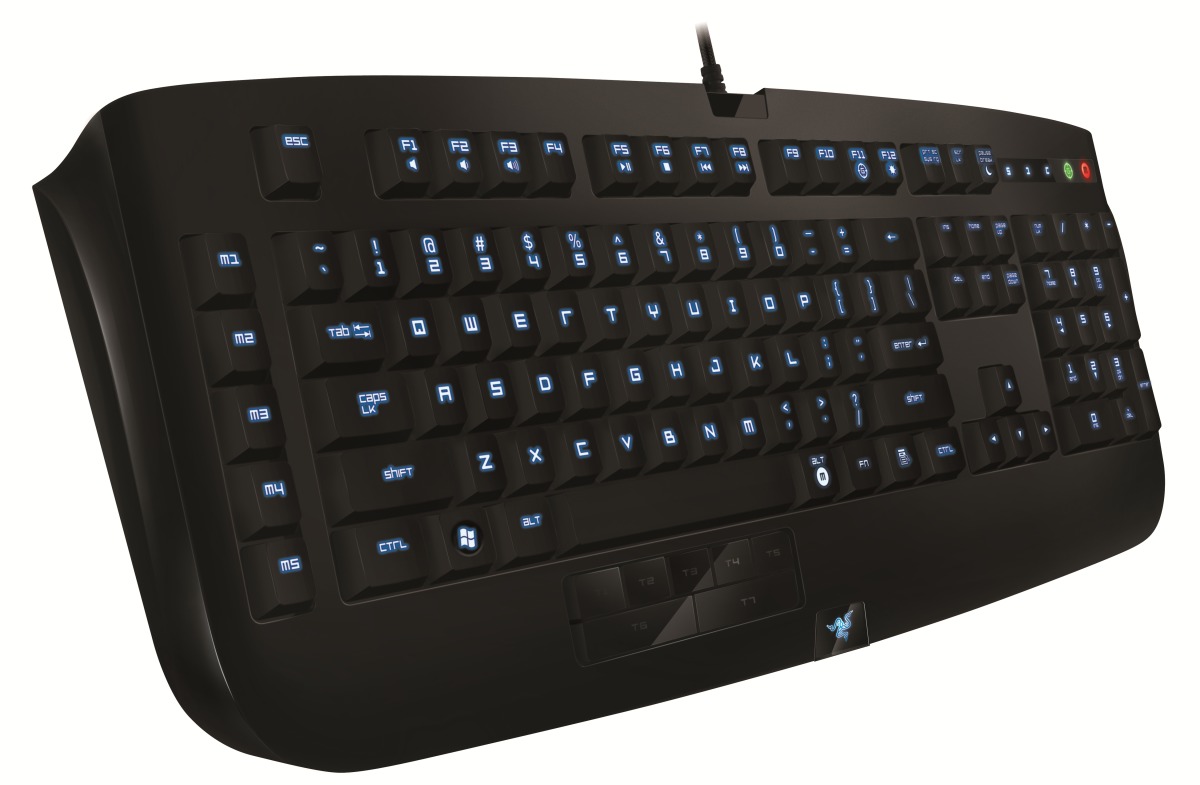
- Full keyboard with numpad, five macro keys, and seven “multi-modifier” keys
- Customizable color LED backlighting
- MSRP: $99.99
Pros:
- Slick looking keyboard
- Macro keys handy as always
Cons:
- Can’t assign “function” key to modifiers or macros
- Chance of accidental activation of obscure and arcane shortcuts
Full review:

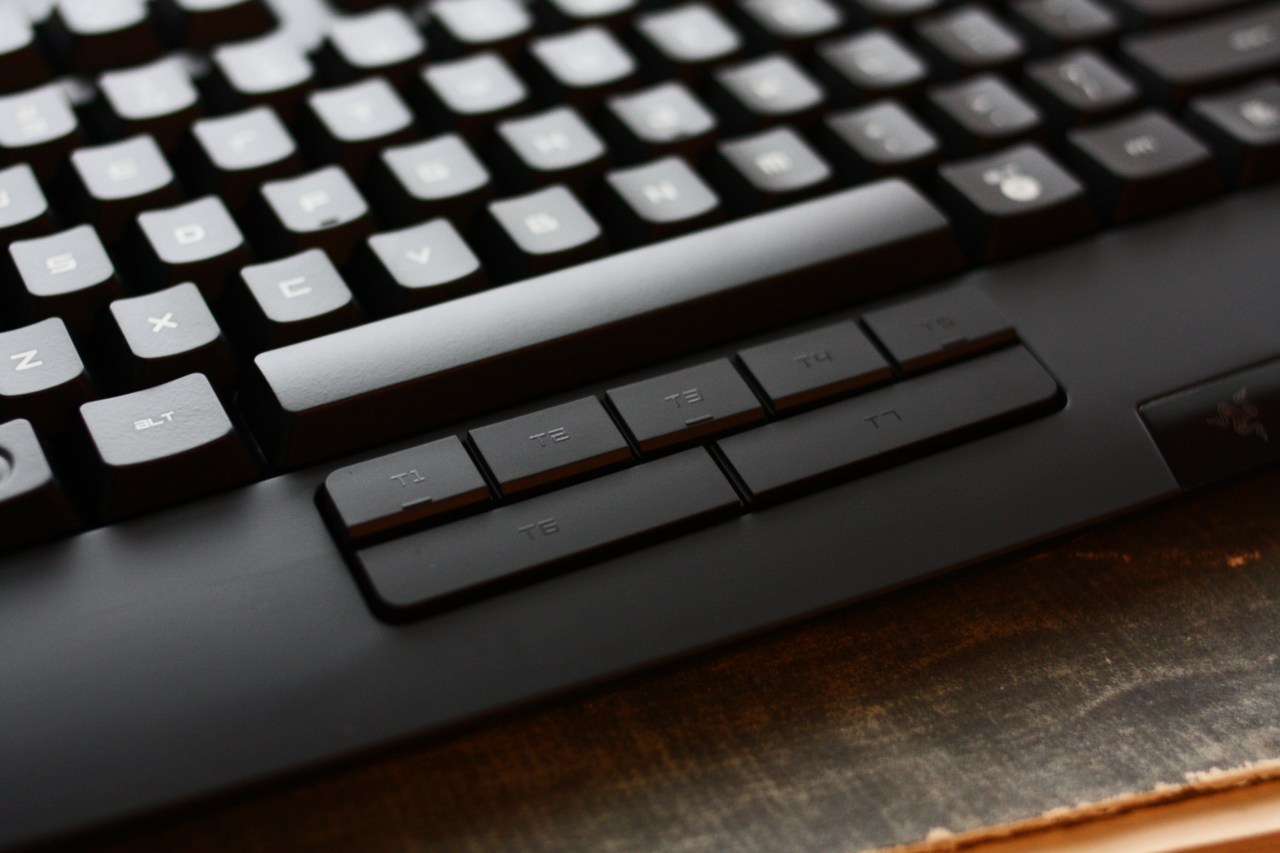
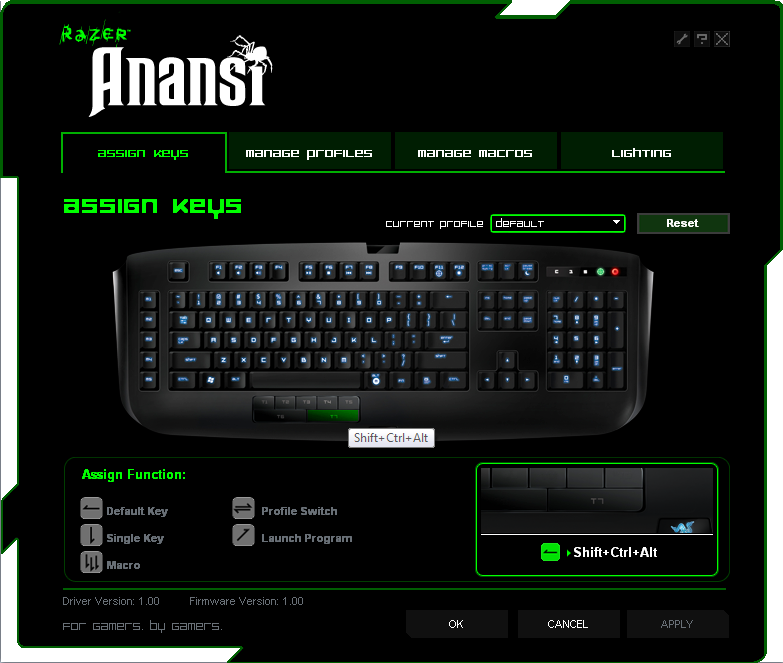
The premise of the Anansi is that it’s a keyboard designed to create the maximum number of macros possible. It does this by having not only a few dedicated macro keys on the far left, but by having a full seven keys below the space bar dedicated to imitating such combinations of modifier keys as “Shift+Alt,” “Alt-Control,” just plain “Control,” and so on. Seven of these keys!
Disrupt 2026: The tech ecosystem, all in one room
Your next round. Your next hire. Your next breakout opportunity. Find it at TechCrunch Disrupt 2026, where 10,000+ founders, investors, and tech leaders gather for three days of 250+ tactical sessions, powerful introductions, and market-defining innovation. Register now to save up to $400.
Save up to $300 or 30% to TechCrunch Founder Summit
1,000+ founders and investors come together at TechCrunch Founder Summit 2026 for a full day focused on growth, execution, and real-world scaling. Learn from founders and investors who have shaped the industry. Connect with peers navigating similar growth stages. Walk away with tactics you can apply immediately
Offer ends March 13.
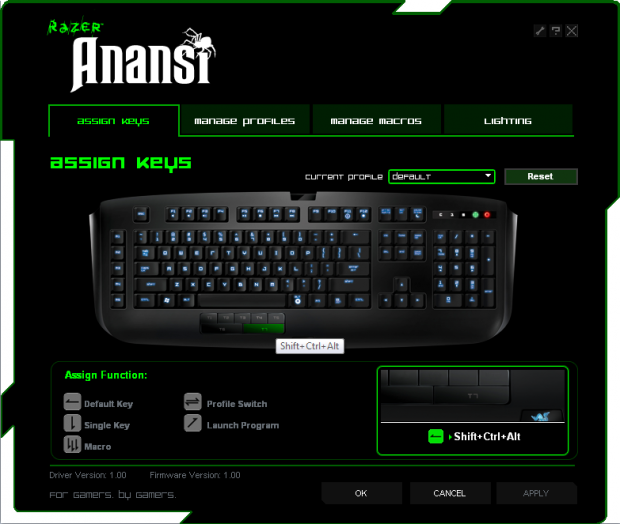
You can customize them just like every other key on the board — Razer’s robust configuration utility allows you to set the Y key to type a Q if you want, or to perform a 50-stroke macro. So in the end, these keys are really just extra keys of no particular merit. They are located conveniently under your thumb, though, which makes them a natural fit for modifiers.
The keys are regular membrane switches, not mechanical like the Black Widow or scissor-switch like the Lycosa. Personally, I prefer either of those to this feel, but that’s a personal preference. The keys on this (and similar) keyboards just feel mushy after using a mechanical keyboard, and unnecessarily deep after typing on scissor switches.

Backlighting is easy to configure, and can be quite bright. You can also set it to rotate through the colors, which is cool for a minute but gets old fast.
There are no USB or audio ports on the keyboard, which is disappointing. Gamers use lots of accessories and are generally power users; their keyboard should be a versatile tool. The Anansi is really a one-trick pony, although if you’re a macro guy and have lots of taunts, obscure moves, or what have you, the thumb modifiers could come in handy.
Conclusion
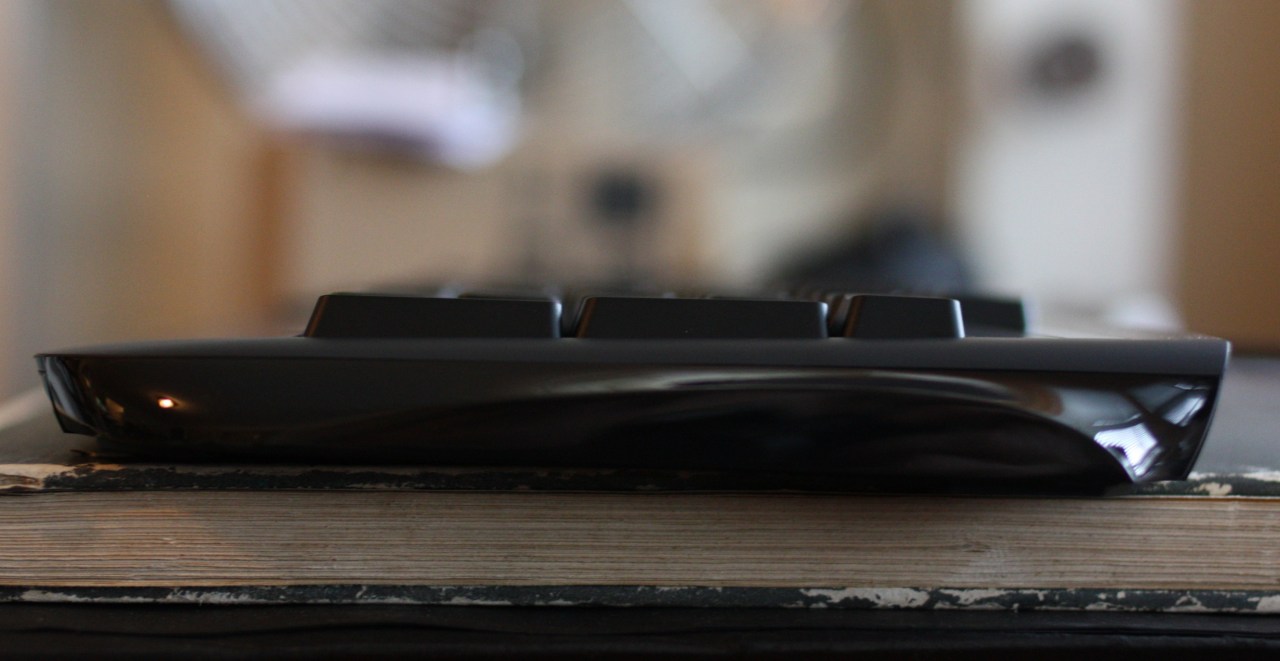
Overall there’s just not much to recommend the Anansi over its numerous competitors, including those by Razer. For an all-purpose keyboard either the Lycosa or Black Widow work better, and for macro fiends the Sidewinder keyboards (and, as someone invariably mentions, the options from Roccat) are just as good an option. For a hundred bucks you can, and should, get more keyboard than this.
Product page: Razer Anansi keyboard